
All systems
New version
LSBank Web
Core banking in the browser
The new web version of LSBank. The bank’s workplace runs right in the browser, covering the operational day, documents, contracts, the HR module and reports: 277 pages in all, at one address. The business logic stays in Oracle: postings, calculations, permissions and checks. The backend is built on a C# Web API and the front end on Angular. Development began on 1 March 2025, and rollout is planned for 2027.
277pages at one address
2,059report templates
928automated checks on every build
6steps from LSBank, each ending in a working system
Capabilities
- Any workplace: Windows, Linux, macOS, thin client or a laptop at home; only a browser is needed
- Nothing to install on workstations and no Oracle client; updates are deployed to the server
- Only the server connects to the database, so network access to the DBMS narrows to one process
- The banking logic stays in Oracle: postings, calculations and permissions were not rewritten or duplicated
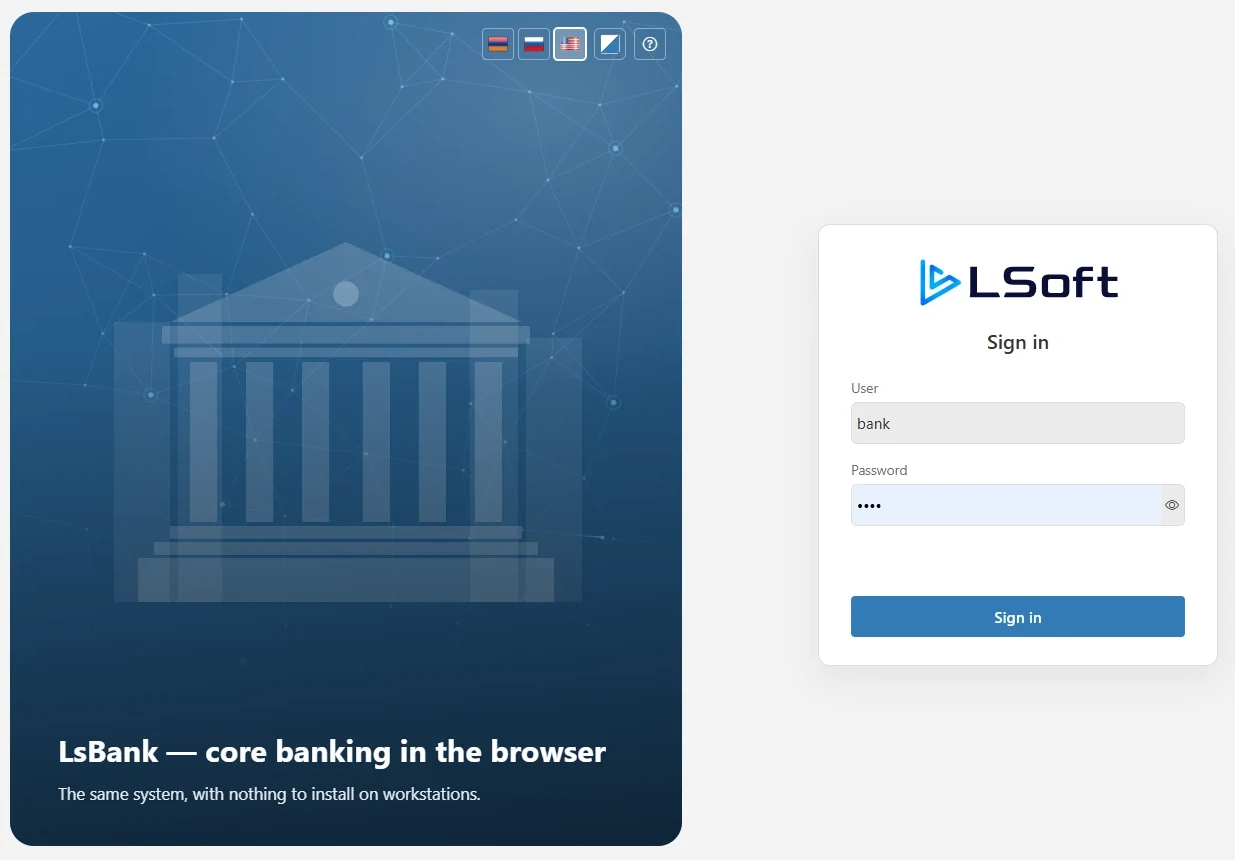
- Sign-in with an Oracle account: every request runs as the operator, and the database checks permissions
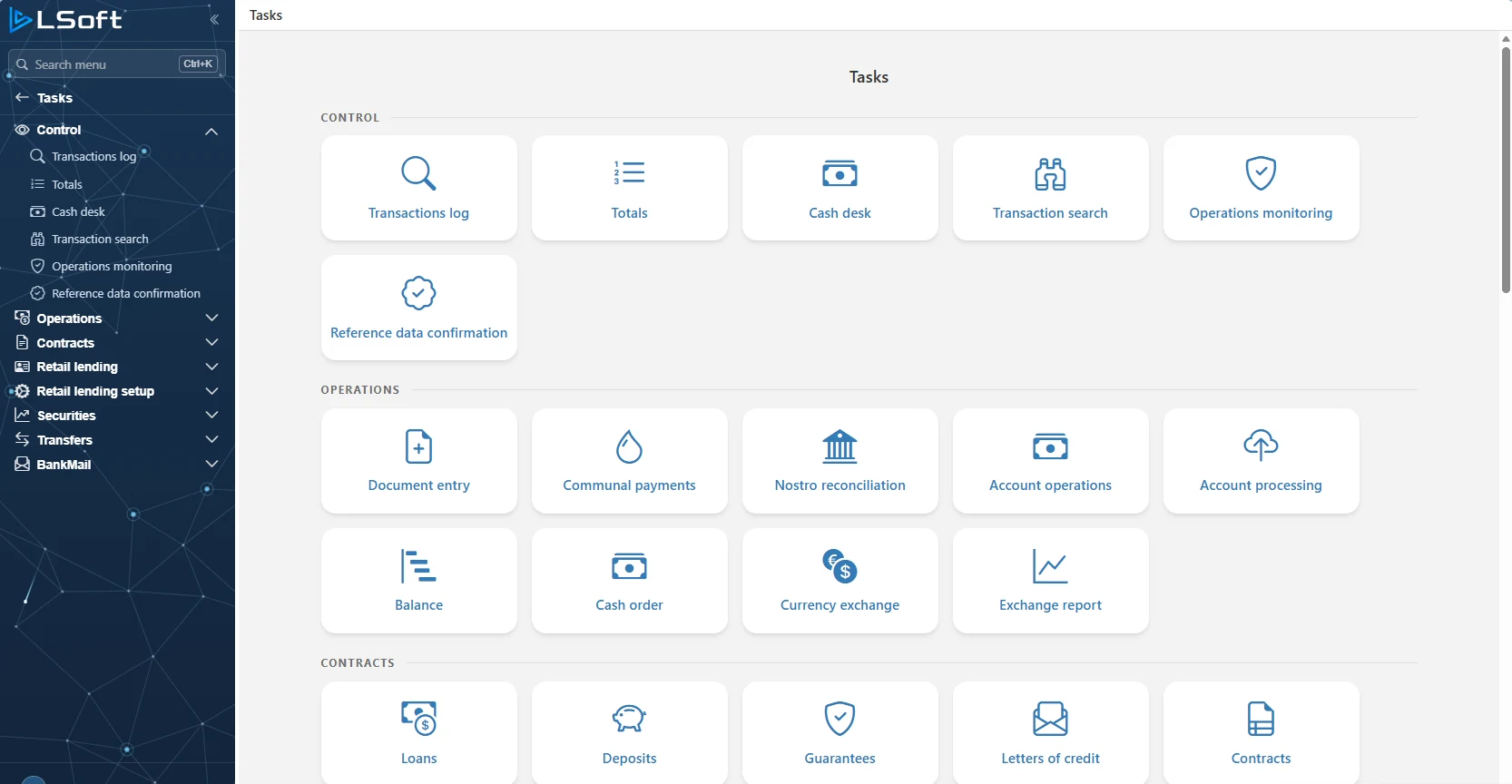
- One way of working across all 277 pages: filter, action panel, row editing, printing, Excel export
- Clear errors: translated into the operator’s language, with the original text and a log reference number
- Four engines build the bank’s 2,059 report templates; layouts are edited in the browser, Excel without Office installed
- Exchange processing (BankMail, SWIFT, card files) runs as a server service, not a form timer on one workstation
- List layouts are stored on the server per login; labels and menus change without a programmer
- Database alerts (a document awaiting approval, a limit breach, a message from the administrator) arrive via the in-app notification bell and as a browser system notification, even when the tab is minimized
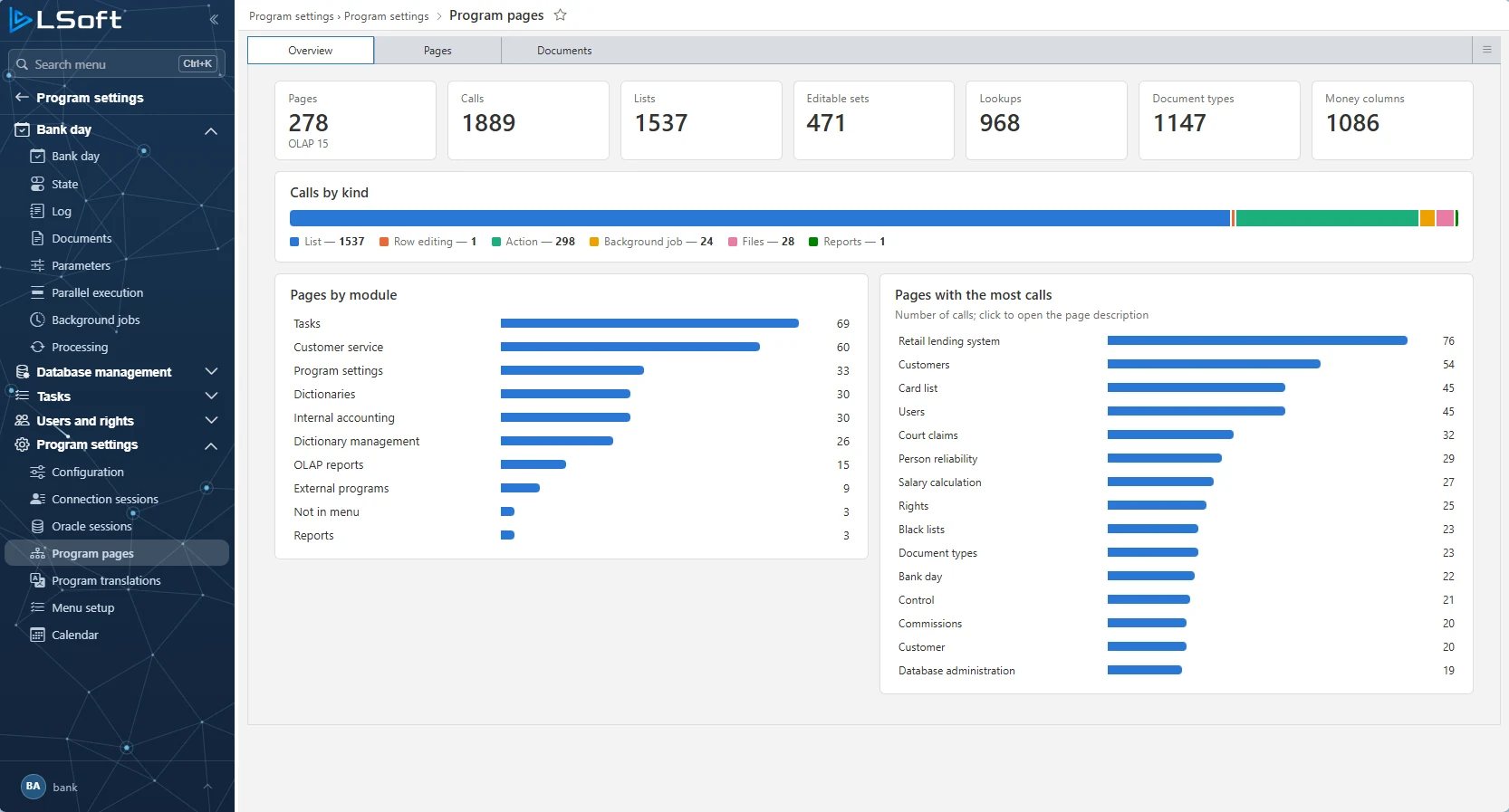
- Monitoring dashboard: every request and every Oracle call is visible with its duration
- Runs side by side with the old program on the same database: switch over by form and branch, roll back at any time
Subsystems
- Tasks (69 pages) — document control, balance, cash desk, transfers and SWIFT, securities
- Customer service (60 pages) — customers, accounts, cards, bank-client, depository
- Settings (35 pages) — operational day, users and permissions, translations
- Internal accounting (30 pages) — HR and timesheets, payroll, fixed assets
- Dictionaries (29 pages) — currencies and rates, banks, blacklists (PEP, OFAC), taxes, fees
- Reference management (26 pages) — contract templates, transfer systems
- OLAP reports (15 pages) — central bank ratios and risks, deposit and credit registers
- External programs (9 pages) — insurance, clearing, court requests, BankID, state register
- Reports (3 pages) — layout designer, print queue, analytical reports
Security
- Sign-in with an Oracle account: every request runs as the operator, and the database itself checks permissions
- The password lives only in the server session: it never reaches the browser, the token or the log
- The browser gets a 15-minute access token; sign-in attempts are rate-limited
- Call registry: the browser names only a key from 2,418 declared calls; no endpoint accepts arbitrary SQL
- The change log shows the operator’s computer, not the application server
- HTTPS, strict security headers, one address for the browser
Quality
- 928 automated checks on every build: 483 server tests, 421 client tests, 24 build checks
- 55 Playwright system tests on a deployed environment, WCAG 2.1 accessibility
- Load: 10 concurrent users, 95 % of responses under 70 ms
- 87.5 % line coverage of server logic by unit tests
- Documents are checked on three levels, up to comparing postings with a reference posted by the old program
- Testing per ISTQB CTFL v4.0 and ISO/IEC/IEEE 29119: risks, requirements, traceability matrix
Migration path
Six steps, and after each one the system is fully working: the bank can stop at any of them.
- Preparation: Formula One templates are converted to xlsx, unused exchanges are removed
- Parallel run: old and new programs on the same database, switch over by form and branch, roll back at any time
- Oracle 12.1 and trimming the database to the last five years
- The database moves to Unicode and the old program is switched off
- Oracle 19c and later: exchange and external APIs, internet and mobile banking, move to JSON
- Oracle 23ai: semantic search and other AI tools inside the bank’s perimeter
Roadmap
- Unicode in the database: no more re-encoding or per-language columns
- Oracle up to 23ai; JSON exchange from 19c
- AI: documents from invoice text, similar-transaction search, with the model inside the bank’s perimeter
- One API for the program and the bank’s own systems: HTTPS and JSON, shared permissions and audit log
Let’s discuss LSBank Web for your bank
We’ll demo the system and answer questions about deployment and support.